
Barcode Generator
Create one barcode or many, and print them on A4 or any paper size. Nothing is uploaded.
3 easy steps: 1) make a barcode, 2) press Add to print sheet (or paste many values below), 3) choose paper and press Download PDF or Print.
Many barcodes at once
Paste one value per line. Each line becomes one barcode of the type selected above (invalid lines are skipped).
Print sheet
The bars are very thin at this width and may not scan. Choose a wider barcode.
Print at 100% / Actual size (not "fit to page") so every code keeps its exact size.
About Barcode Generator
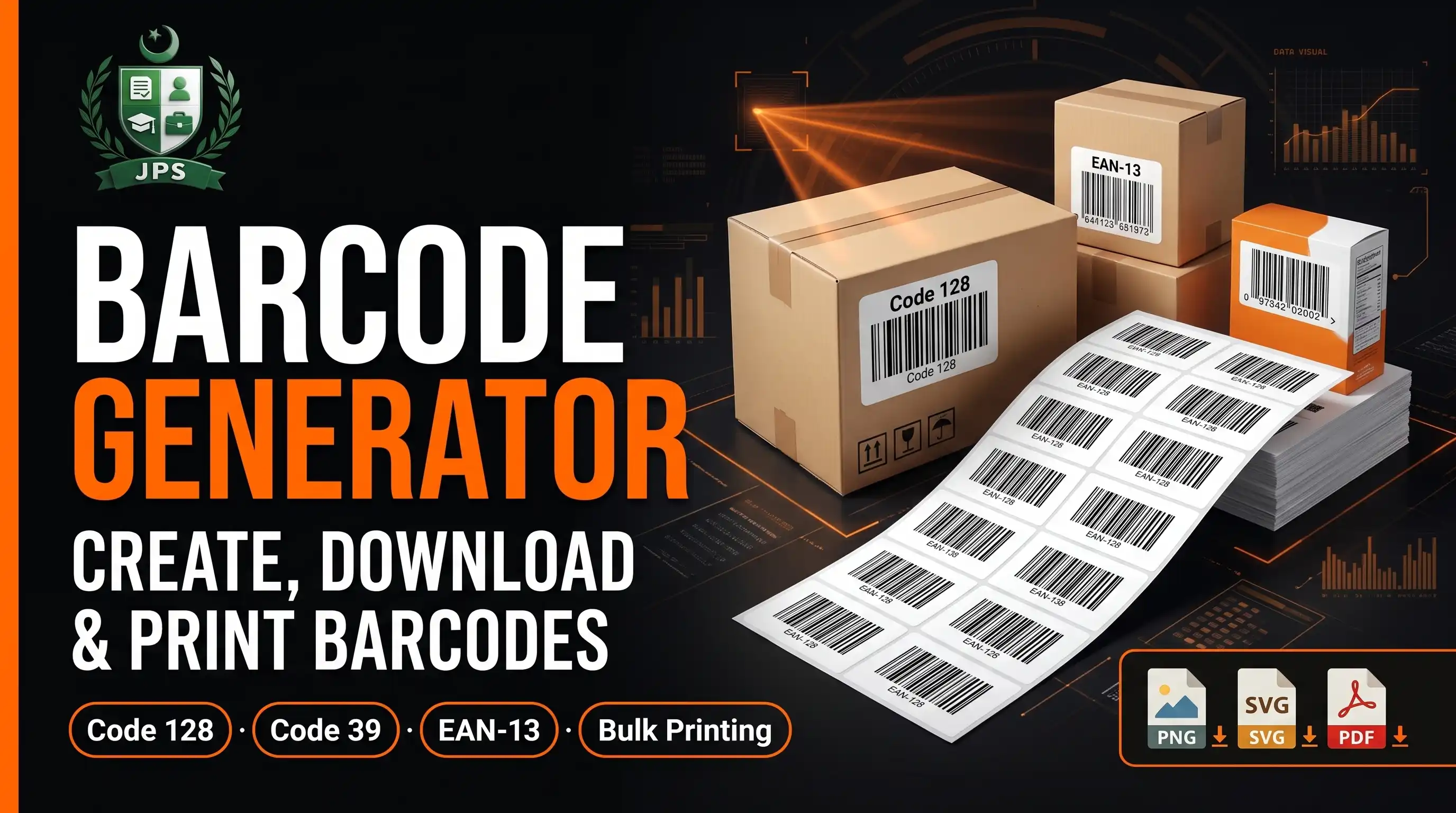
The Barcode Generator makes Code 128, Code 39 and EAN-13 barcodes. Make one barcode and download it as PNG or SVG, or make many at once: add them to the print sheet or paste one value per line, then print on A4, A3, A5, Letter, Legal, 4 x 6 inch, 5 x 7 inch or a custom paper size.
Choose the width and height of each barcode in millimetres, show the text below it, add copies and cutting lines, and download the sheet as a PDF or print it. A warning appears when the bars are too thin to scan. Everything is created in your browser and nothing is uploaded.
Key features
- Code 128, Code 39 and EAN-13 with automatic check digit
- Bulk barcodes from a pasted list; invalid lines are skipped with a message
- Print sheet for A4, A3, A5, Letter, Legal, 4x6, 5x7 or custom size
- Barcode width 30 to 120 mm and height 8 to 30 mm
- Human readable text under each barcode
- PNG and SVG for one barcode, PDF and print for the sheet
Barcode types
| Type | Accepts | Typical use |
|---|---|---|
| Code 128 | Letters, digits and symbols | General labels, shipping, files |
| Code 39 | Capital letters, digits, space, - and . | Simple labels and IDs |
| EAN-13 | 12 or 13 digits | Retail product numbers |
Always test a printed barcode with a scanner before using it.
When do you need this?
- You label files, shelves, products or equipment with codes
- You print asset tags or library style labels
- You need numbered tickets or coupons
- You need an EAN-13 style image for a sample or a design
Common mistakes to avoid
- Making the barcode too narrow for a long text
- Using Code 39 with small letters or symbols it does not support
- Believing an EAN-13 drawn here is registered for retail; numbers come from GS1
- Printing at a reduced size instead of actual size
How to use
- Choose the barcode type (Code 128, Code 39 or EAN-13) and type the text or number.
- Press "Add to print sheet", or paste many values in "Many barcodes at once" (one per line).
- In the print sheet choose the paper (A4, A3, A5, Letter, Legal, 4x6, custom), the barcode width and height and the copies.
- Press Download PDF or Print. Print at 100% / Actual size.
اردو میں طریقہ:
- بارکوڈ کی قسم (Code 128، Code 39 یا EAN-13) چنیں اور ٹیکسٹ یا نمبر لکھیں۔
- "Add to print sheet" دبائیں، یا "Many barcodes at once" میں کئی قدریں (ہر لائن میں ایک) پیسٹ کریں۔
- پرنٹ شیٹ میں کاغذ (A4, A3, A5, Letter, Legal, 4x6, کسٹم)، بارکوڈ کی چوڑائی، اونچائی اور کاپیاں چنیں۔
- "Download PDF" یا "Print" دبائیں۔ پرنٹ 100% / Actual size پر کریں۔
Tips
Code 128 is the best general choice: it supports letters, digits and symbols.
EAN-13 is for retail products; enter 12 digits and the check digit is added.
Keep barcodes at least 40 mm wide and 12 mm high for easy scanning; long text needs a wider barcode.
Print at 100% / Actual size, not "fit to page", and test with a scanner or phone first.
For a list of codes, paste one value per line; all lines use the barcode type you selected.
Frequently Asked Questions
Add your barcodes to the print sheet (or paste one value per line), choose A4, set the width and height and press Print or Download PDF. The tool fits as many as possible on each page.
Yes. Paste one value per line in "Many barcodes at once". All lines use the selected barcode type.
Code 128 for general use, Code 39 for simple labels with capital letters, EAN-13 for retail product numbers.
Real product barcodes need a number registered with GS1. This tool only draws the barcode.
Yes: A3, A4, A5, Letter, Legal, 4 x 6 inch, 5 x 7 inch or any custom size in millimetres.
No. Everything runs in your browser.
 EasyPaisa
 Jazz Cash
 Meezan Bank
 Faysal Bank