
Merge PDF
Combine multiple PDF files into a single PDF. Your files never leave your device.
About Merge PDF
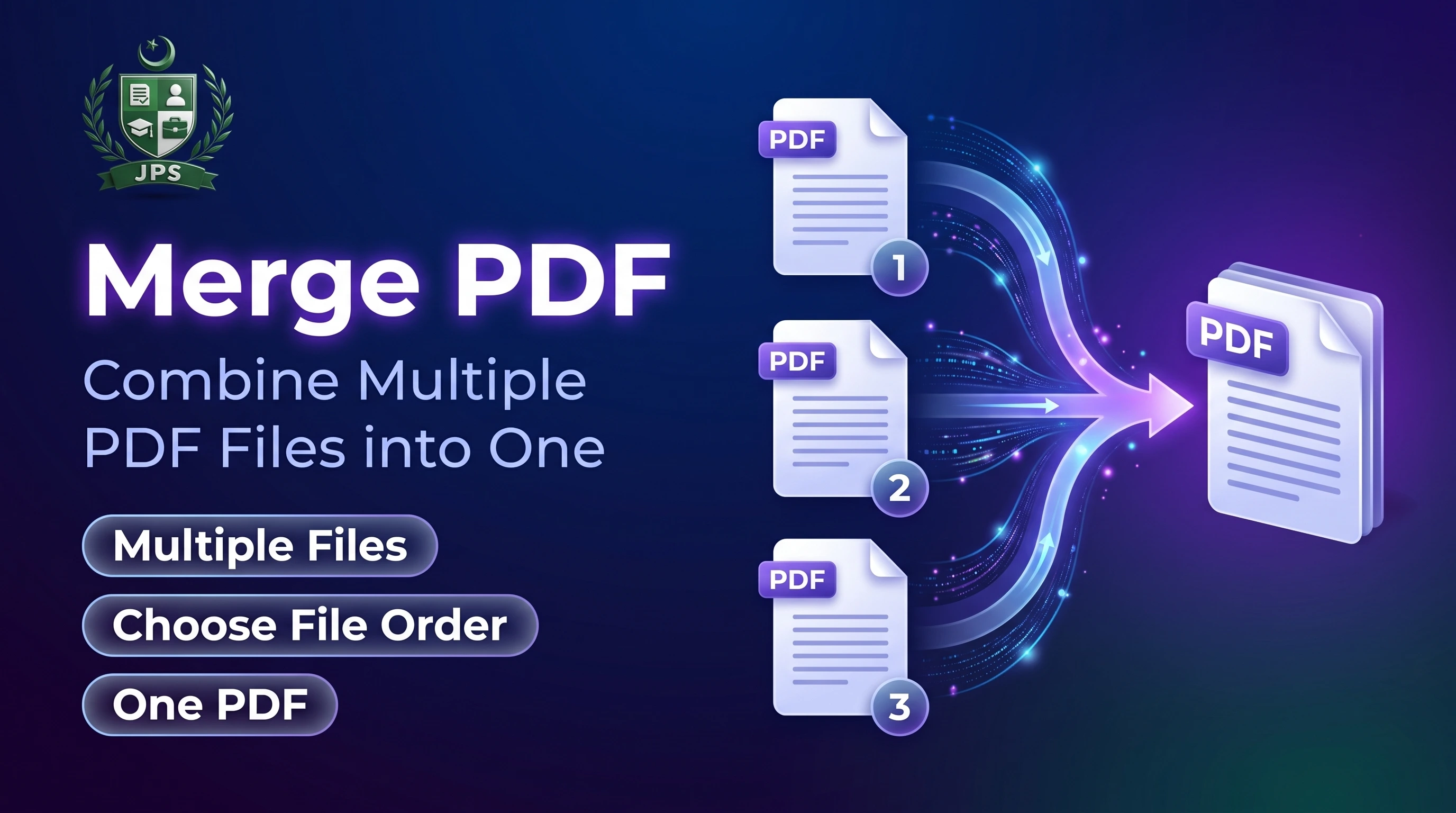
Merge PDF joins two or more PDF files into one document in the order you choose. It is useful when a form allows only one upload but you have separate files for your CNIC, degrees, experience letters and certificates.
The merge happens inside your browser, so your documents are not sent to any server. If the merged file is too large for your form, use the PDF Compressor afterwards.
Key features
- Merge up to 50 PDF files in a few seconds
- Reorder files with up and down buttons before merging
- No watermark, no sign-up and no upload
- Works on mobile and desktop
When do you need this?
- A portal accepts only one PDF but you have several documents
- You want to combine a cover letter, CV and certificates into one file
- You scanned documents in parts and need a single file
Common mistakes to avoid
- Merging in the wrong order; check the list before pressing Merge
- Merging a very large number of high-resolution scans and then exceeding the KB limit
- Trying to merge password-protected files
How to use
- Select two or more PDF files.
- Use the arrows to set the order of the files.
- Press Merge PDFs.
- Download the merged PDF. Use PDF Compressor if you need a smaller file.
اردو میں طریقہ:
- دو یا زیادہ PDF فائلیں منتخب کریں۔
- تیر والے بٹن سے فائلوں کی ترتیب سیٹ کریں۔
- "Merge PDFs" دبائیں۔
- مرج شدہ PDF ڈاؤن لوڈ کریں۔ چھوٹی فائل چاہیے تو PDF Compressor استعمال کریں۔
Tips
Check the order before merging: the first file in the list becomes the first pages.
To add photos, convert them with Image to PDF first, then merge.
Merged files can get large; compress them afterwards if the form has a limit.
Password-protected PDFs may not merge correctly.
Frequently Asked Questions
Select the PDFs, arrange them with the arrows and press Merge PDFs.
First convert the images using Image to PDF, then merge the result with your other PDFs.
You can add up to 50 files. Very large files can be slow on phones.
No. Merging happens inside your browser and nothing is sent to our server.
 EasyPaisa
 Jazz Cash
 Meezan Bank
 Faysal Bank