
Image Compressor (KB)
Type the maximum KB and compress up to 30 photos at once. Your files never leave your device.
About Image Compressor (KB)
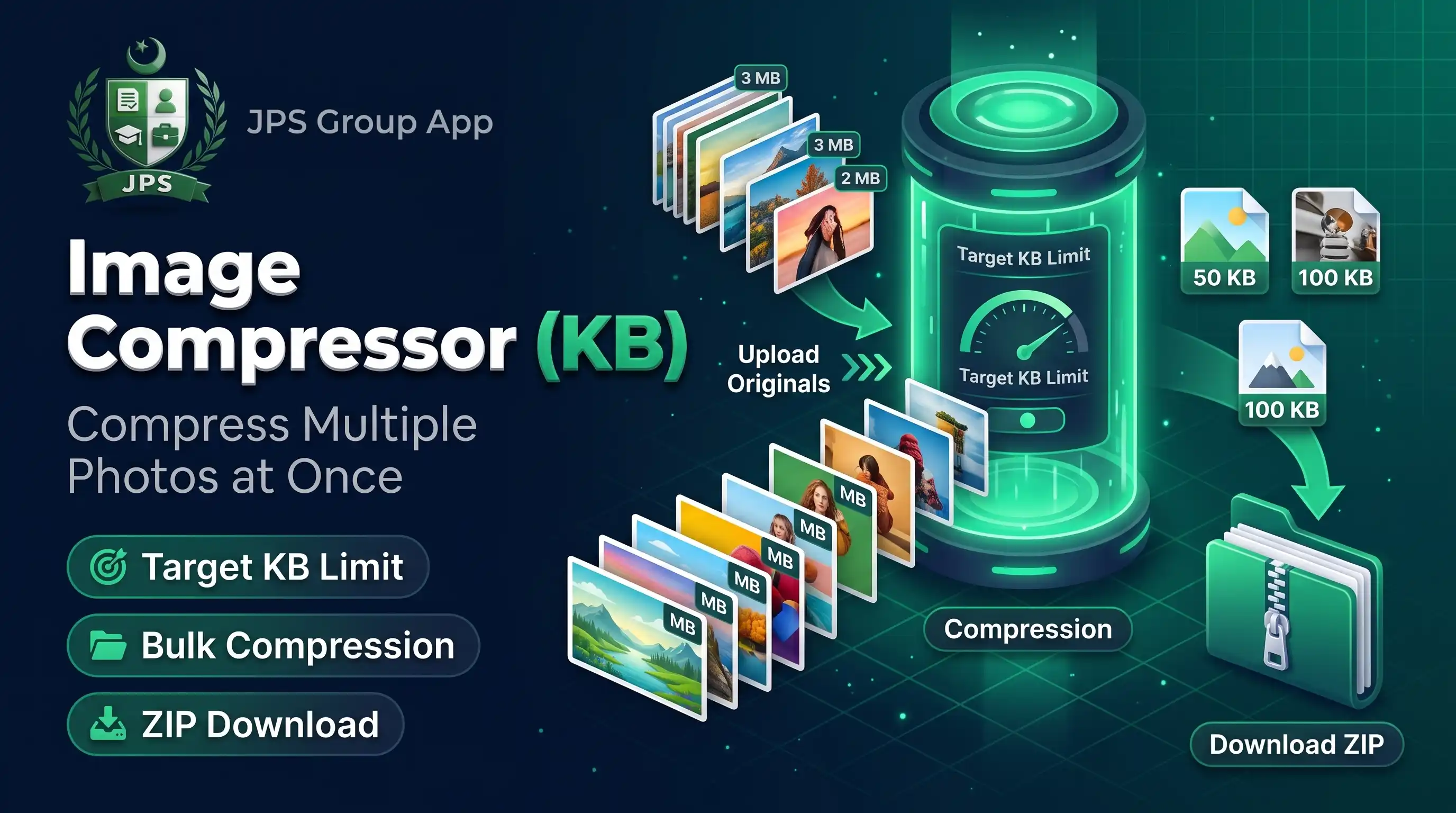
The Image Compressor reduces photos to a maximum file size in KB. Type a limit such as 50, 100 or 200, add up to 30 pictures, and the tool lowers the quality step by step, and the dimensions if needed, until each file fits. Files that are already small enough are kept as they are.
It is built for job forms, admission portals and email attachments that reject large photos. Processing happens in your browser, so your CNIC, degree and certificate images stay on your device.
Key features
- Maximum size in KB for every file
- Bulk processing of up to 30 images with ZIP download
- JPG or WEBP output
- Automatic dimension reduction when quality alone is not enough
- Shows the size before and after, and the total saved
- HEIC, PNG, WEBP and JPG input
When do you need this?
- A portal says the photo or document image must be under 50 KB, 100 KB or 200 KB
- Several scanned pages must be sent by email or WhatsApp
- Your phone photos are too large to upload
- You want to save storage space without opening an editor
Common mistakes to avoid
- Choosing PNG for a KB limit; JPG gives much smaller files for photos
- Setting a limit that is too small for a large picture, which makes it blurry
- Compressing the same file again and again, which loses quality each time
- Forgetting that the form may also need an exact pixel size; use Image Resizer for that
How to use
- Select one or more images.
- Enter the maximum file size in KB (for example 100).
- Choose JPG (best) or WEBP and keep "reduce dimensions" ticked so the limit is always reached.
- Press Compress Images, then download each file or all as a ZIP.
اردو میں طریقہ:
- ایک یا زیادہ تصاویر منتخب کریں۔
- زیادہ سے زیادہ فائل سائز KB میں لکھیں (مثلاً 100)۔
- JPG چنیں اور "reduce dimensions" ٹک رہنے دیں تاکہ حد ضرور پوری ہو۔
- "Compress Images" دبائیں اور فائلیں الگ الگ یا ZIP میں ڈاؤن لوڈ کریں۔
Tips
JPG is the best format for photos with a KB limit.
Files already under your limit are kept as they are.
If the limit cannot be reached, the tool shows the smallest size possible.
For exact pixel size plus KB limit, use Image Resizer.
Frequently Asked Questions
Enter 50 in the Max size box and press Compress Images. Quality and, if needed, dimensions are lowered step by step until it fits.
Yes, up to 30 at a time, with a ZIP download.
Only if needed to reach the KB limit and only when "reduce dimensions" is ticked.
No. Compression is done locally in your browser.
 EasyPaisa
 Jazz Cash
 Meezan Bank
 Faysal Bank