
Image to Base64
Turn an image into Base64 text for websites, emails and apps. Your image never leaves your device.
This image is large. Consider compressing it first for a shorter Base64 string.
About Image to Base64
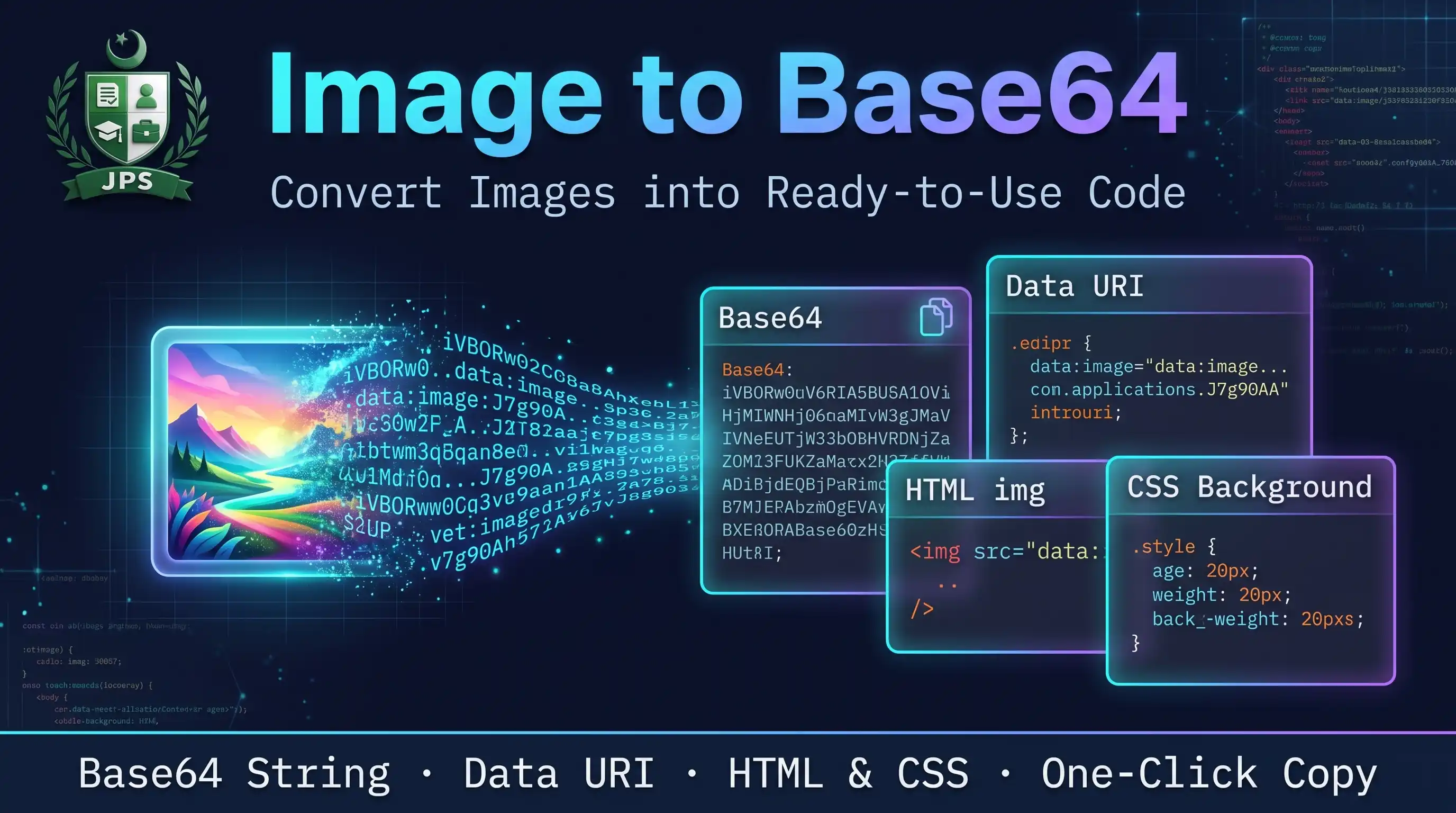
Image to Base64 turns a picture into text that can be pasted directly into HTML, CSS, emails or JSON. You get the full data URI, the raw Base64 string, a ready HTML img tag and a CSS background rule, each with a copy button.
The conversion runs inside your browser, so the image is not uploaded. Base64 text is about one third bigger than the original file, so it is best for small images such as icons and logos.
Key features
- Data URI, raw Base64, HTML img tag and CSS background code
- One-click copy for every format
- Shows original size and Base64 size
- Download the Base64 text as a .txt file
- Works with JPG, PNG, WEBP, GIF and SVG
- No upload and no sign-up
When do you need this?
- You want to embed a small logo inside an HTML page without a separate file
- You need an image inside an email template or a JSON file
- A developer asks for the Base64 string of a picture
- You want to store a small icon directly in a CSS file
Common mistakes to avoid
- Embedding a big photo, which makes the page slow
- Copying the raw Base64 when the code needs the data URI with the prefix
- Forgetting that each use of the data URI repeats the whole text
- Sending very long Base64 text in emails or chats that cut long messages
How to use
- Select an image (JPG, PNG, WEBP, GIF, SVG).
- The Base64 data URI, raw Base64, HTML tag and CSS code appear instantly.
- Press Copy next to the format you need.
- Optionally download the Base64 text as a .txt file.
اردو میں طریقہ:
- تصویر منتخب کریں (JPG, PNG, WEBP, GIF, SVG)۔
- Base64 ڈیٹا URI، خام Base64، HTML ٹیگ اور CSS کوڈ فوراً نظر آ جاتا ہے۔
- جو فارمیٹ چاہیے اس کے ساتھ "Copy" دبائیں۔
- چاہیں تو Base64 ٹیکسٹ کو .txt فائل میں ڈاؤن لوڈ کریں۔
Tips
Base64 text is about 33% bigger than the image, so use it only for small images and icons.
Compress the image first if the Base64 text is very long.
Data URIs work directly inside src="" and CSS url().
Do not paste very large Base64 strings into emails; many email apps block them.
Frequently Asked Questions
Base64 is a way to write binary data like an image as plain text so it can be placed directly inside HTML, CSS or JSON.
A data URI is Base64 text with a prefix such as data:image/png;base64, so a browser can show the image without a separate file.
Base64 needs about 33% extra space.
No. The conversion runs inside your browser.
 EasyPaisa
 Jazz Cash
 Meezan Bank
 Faysal Bank