
Split PDF
Extract pages from a PDF or split it into separate files. Your files never leave your device.
pages (ZIP)
About Split PDF
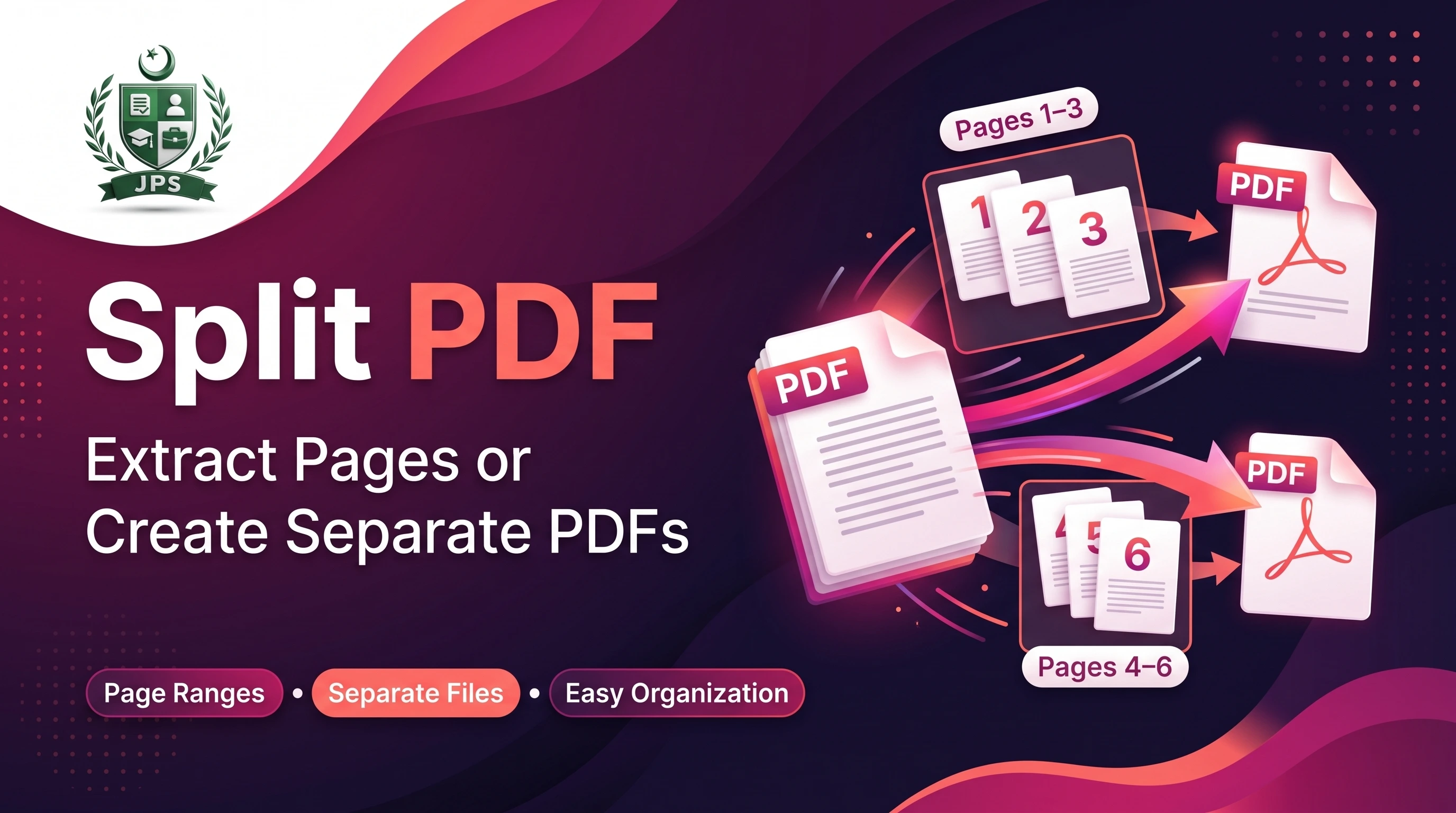
Split PDF lets you extract chosen pages from a PDF, such as 1-3, 5 and 8-10, or split a document into separate files, one per page or every N pages. Multiple files are delivered together as a ZIP.
Splitting is lossless: text and images stay exactly as they were. It runs in your browser, so your PDF is never uploaded.
Key features
- Extract page ranges into a single new PDF
- Split every page into a separate PDF, or every N pages
- Shows the page count of your PDF
- ZIP download for multiple files
- No quality loss
When do you need this?
- A form needs only some pages of a large PDF
- You want to remove unnecessary pages before uploading
- You need to send each page or section as a separate file
Common mistakes to avoid
- Typing page ranges in the wrong format; use numbers, commas and dashes like 1-3, 5
- Entering a page number higher than the total pages
- Splitting a very large PDF into hundreds of files on a weak phone
How to use
- Select your PDF. The page count is shown.
- Choose a mode: extract page ranges, split every page, or split every N pages.
- For ranges, type pages like 1-3, 5, 8-10.
- Press Split PDF and download the result (multiple files come as a ZIP).
اردو میں طریقہ:
- اپنی PDF منتخب کریں۔ صفحات کی تعداد نظر آ جائے گی۔
- موڈ چنیں: مخصوص صفحات نکالنا، ہر صفحہ الگ کرنا، یا ہر N صفحات الگ کرنا۔
- رینج کے لیے صفحات اس طرح لکھیں: 1-3, 5, 8-10۔
- "Split PDF" دبائیں اور نتیجہ ڈاؤن لوڈ کریں (کئی فائلیں ZIP میں ملیں گی)۔
Tips
Ranges example: 1-3, 5, 8-10 keeps pages 1 to 3, page 5 and pages 8 to 10 in one PDF.
Use "every page" to get one PDF per page, downloaded as a ZIP.
Splitting is lossless: text and quality stay exactly the same.
Up to 300 pages can be split into separate files at once.
Frequently Asked Questions
Choose "Extract pages", type the pages like 1-3, 5, 8-10 and press Split PDF.
No. Pages are copied as they are, so text and images stay unchanged.
When the result has more than one PDF, you get a single ZIP file.
No. Splitting happens inside your browser and nothing is sent to our server.
 EasyPaisa
 Jazz Cash
 Meezan Bank
 Faysal Bank