
QR Code Generator
Make one QR code or hundreds, and print them on A4 or any paper size. Nothing is uploaded.
3 easy steps: 1) make a code, 2) press Add to print sheet (or paste many links below), 3) choose paper and press Download PDF or Print.
Many codes at once
Paste one link or text per line. Each line becomes one QR code. To print a name under a code write
Name | link. The error correction and colours above are used.Print sheet
Print at 100% / Actual size (not "fit to page") so every code keeps its exact size.
About QR Code Generator
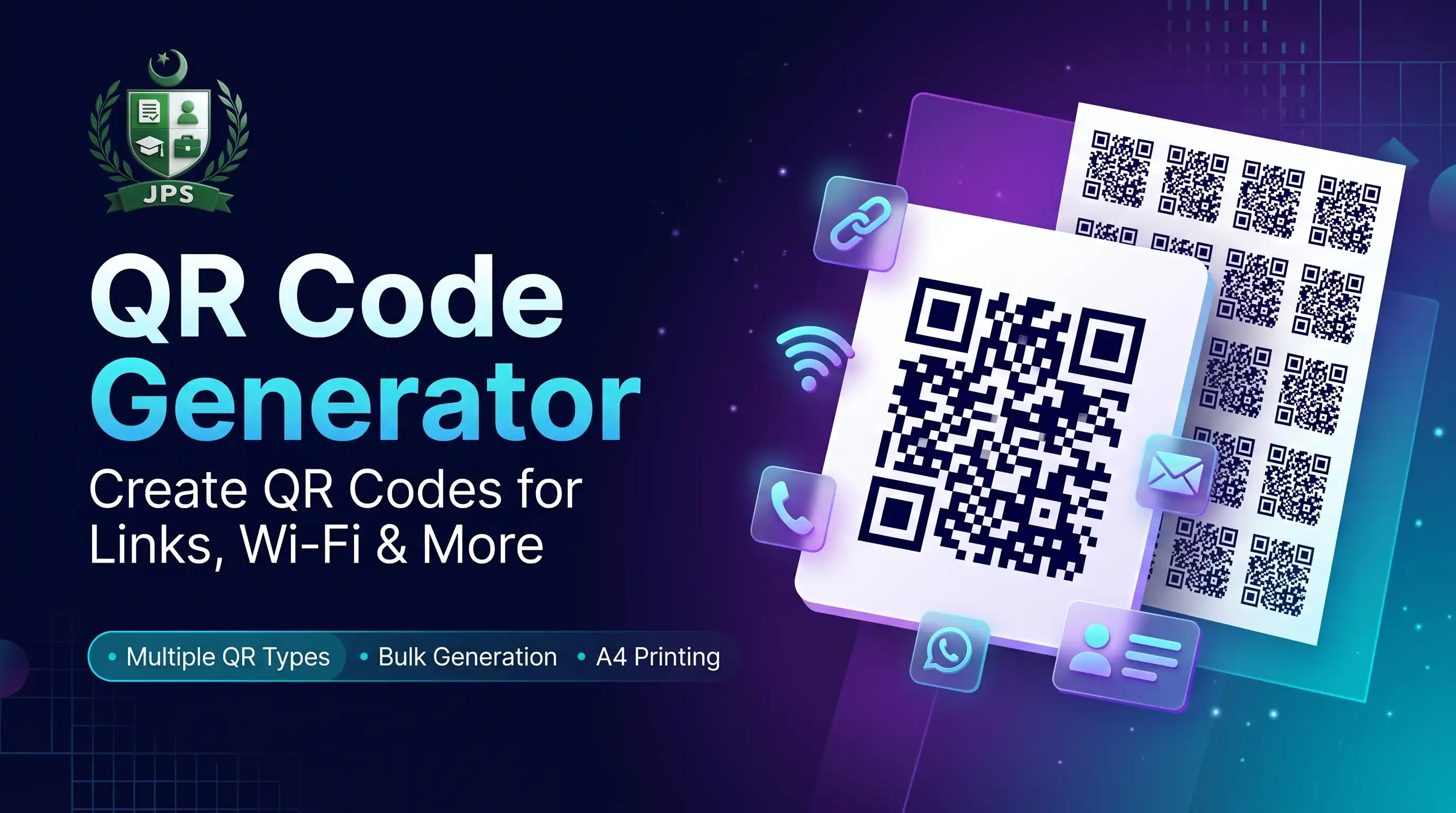
The QR Code Generator makes codes for links, text, WiFi, phone numbers, email, WhatsApp chats and contact cards. Make one code and download it as PNG or SVG, or make many at once: add codes to the print sheet, or paste one link per line, and print them on A4, A3, A5, Letter, Legal, 4 x 6 inch, 5 x 7 inch or any custom paper size.
The sheet fits as many codes as possible on each page, adds pages when needed, and can show a label under every code and dotted cutting lines. Download the sheet as a PDF or print it directly. Everything is created in your browser and nothing is uploaded.
Key features
- Link or text, WiFi, phone, email, WhatsApp and contact card codes
- Bulk codes from a pasted list with optional labels (Name | link)
- Print sheet for A4, A3, A5, Letter, Legal, 4x6, 5x7 or custom size
- Code size from 20 mm to 100 mm, copies for each code, spacing and margins
- Download PDF, PNG or print; SVG and PNG for a single code
- Colours, error correction level and quiet border
Error correction levels
| Level | Damage that can be repaired | Best for |
|---|---|---|
| Low | About 7% | Clean screens and large codes |
| Medium | About 15% | General use |
| Quartile | About 25% | Small prints and labels |
| High | About 30% | Rough surfaces, outdoor use |
Higher levels make the code denser, so use a bigger print size.
When do you need this?
- You need stickers or table cards with different links, for example menus, forms or tickets
- You want a WiFi code for guests or a shop
- You print labels for files, products or events
- You need one clean QR image for a poster or a website
Common mistakes to avoid
- Printing codes too small; use at least 20 to 25 mm
- Using low contrast colours that scanners cannot read
- Printing with fit to page instead of actual size
- Not testing one printed code with a phone before printing the whole batch
How to use
- Choose what the QR code should contain (link or text, WiFi, phone, email, WhatsApp or contact) and type the details.
- Press "Add to print sheet" to keep it, or paste many links in the "Many codes at once" box (one per line).
- In the print sheet choose the paper (A4, A3, A5, Letter, Legal, 4x6, custom), the size of each code and the copies.
- Press Download PDF or Print. Print at 100% / Actual size.
اردو میں طریقہ:
- چنیں کہ QR کوڈ میں کیا ہو (لنک/ٹیکسٹ، وائی فائی، فون، ای میل، واٹس ایپ یا کانٹیکٹ) اور تفصیل لکھیں۔
- "Add to print sheet" دبائیں، یا "Many codes at once" باکس میں کئی لنک (ہر لائن میں ایک) پیسٹ کریں۔
- پرنٹ شیٹ میں کاغذ (A4, A3, A5, Letter, Legal, 4x6, کسٹم)، ہر کوڈ کا سائز اور کاپیاں چنیں۔
- "Download PDF" یا "Print" دبائیں۔ پرنٹ 100% / Actual size پر کریں۔
Tips
For many codes, paste one link per line. Write "Name | link" to print a name under each code.
Choose 30 to 50 mm for labels and 20 to 25 mm for small stickers. Very small codes are hard to scan.
Use higher error correction (Q or H) if the code will be printed small or may get scratched.
Print at 100% / Actual size, not "fit to page", and test one code with your phone first.
Turn on "Dotted cutting lines" if you will cut the codes with scissors.
Frequently Asked Questions
Add your codes to the print sheet (or paste one link per line), choose A4, pick the size of each code and press Print or Download PDF. The tool fits as many as possible on each page and adds pages when needed.
Yes. Paste one link or text per line in "Many codes at once". Write "Label | link" to print a label under each code.
Yes: A3, A4, A5, Letter, Legal, 4 x 6 inch, 5 x 7 inch or any custom size in millimetres.
Yes. The code contains your data directly, so it never expires and needs no account.
Choose WiFi, enter the network name and password, and guests can join by scanning.
No. The codes are drawn in your browser.
 EasyPaisa
 Jazz Cash
 Meezan Bank
 Faysal Bank