
Sign PDF
Put your signature on a PDF page in a few taps. Your PDF and signature never leave your device.
1. Select PDF
2. Your signature
About Sign PDF
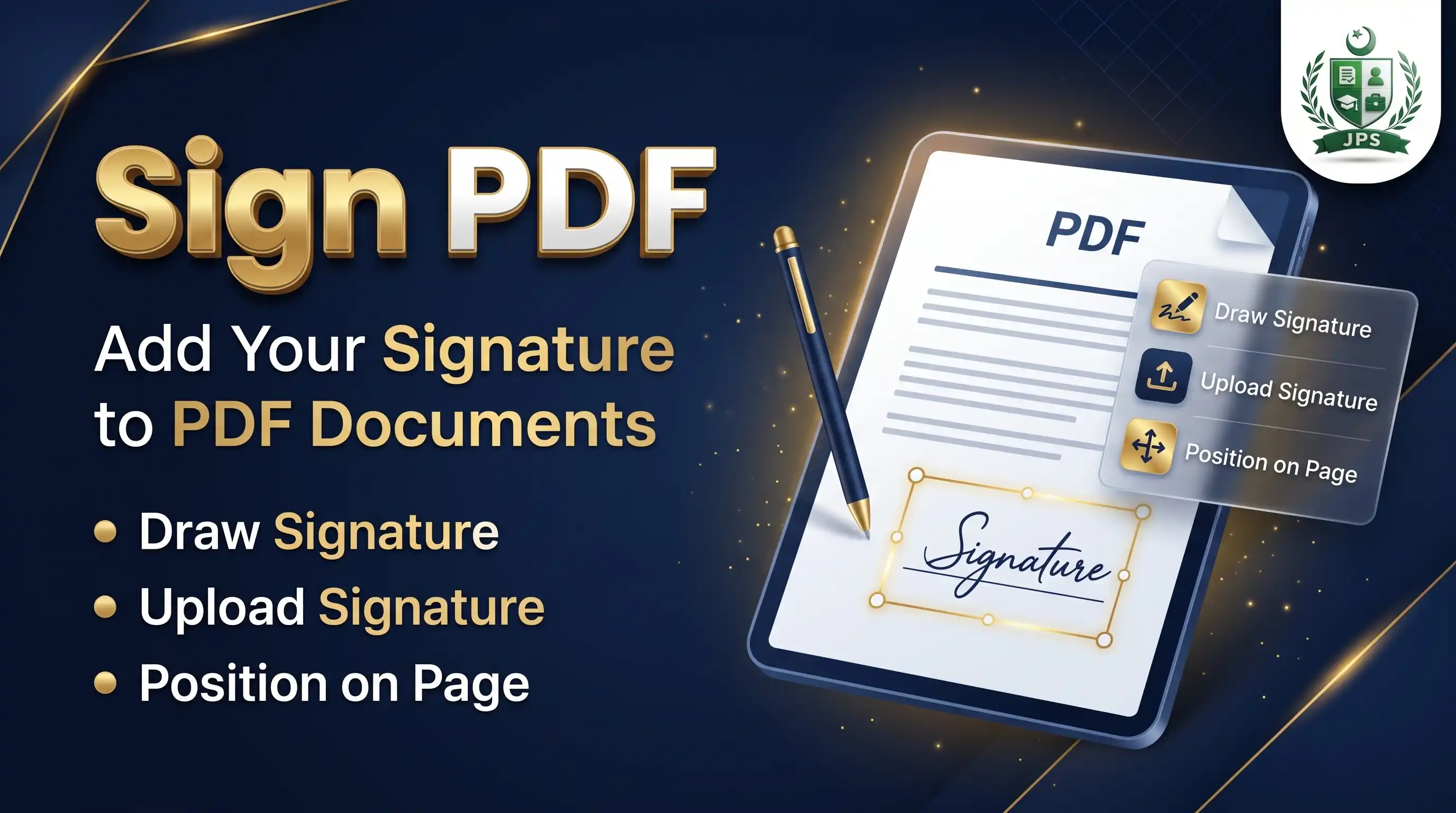
Sign PDF lets you draw your signature with a finger or mouse, or upload a photo of it, and place it on any page of a PDF. Drag the signature to the right spot, set its size and choose whether to sign this page, the first page, the last page or all pages.
The signature is added as a picture, like signing a printout and scanning it. It is not a legally certified digital signature. Everything happens in your browser and the files are not uploaded.
Key features
- Draw pad with pen colour and thickness
- Upload a signature photo and make the white background transparent
- Page preview with drag to place and a size slider
- Sign one page, first, last or all pages
- Opens PDFs of any number of pages
- No upload and no watermark
When do you need this?
- An application or agreement needs your signature and you have no printer
- You must sign every page of a form
- You want to add a signature to a letter before emailing it
- You need to sign an undertaking or affidavit draft PDF
Common mistakes to avoid
- Placing the signature over printed text
- Using a signature photo with a grey background; keep the transparent option on
- Making the signature too large or too small for the line
- Assuming this replaces a certified digital signature where the law requires one
How to use
- Select your PDF.
- Draw your signature on the pad or upload a photo of your signature.
- Open the page you want, then drag the signature to the right place and set its size.
- Choose which pages to sign and press Save Signed PDF.
اردو میں طریقہ:
- اپنی PDF منتخب کریں۔
- پیڈ پر دستخط کریں یا دستخط کی تصویر اپ لوڈ کریں۔
- مطلوبہ صفحہ کھولیں، دستخط کو صحیح جگہ پر کھینچیں اور سائز سیٹ کریں۔
- دستخط والے صفحات چنیں اور "Save Signed PDF" دبائیں۔
Tips
Draw with a finger on mobile, or a mouse on a computer. Use "Clear" to start again.
For an uploaded signature, keep "Make white background transparent" ticked.
Use the Signature Resizer tool first if your signature photo is untidy.
This adds a picture of your signature. It is not a legally certified digital signature.
Frequently Asked Questions
No. It places an image of your handwritten signature on the page, like signing a printout and scanning it.
Yes. Choose "All pages" before saving.
Yes. Drag it again on the preview before saving.
No. Everything happens in your browser.
 EasyPaisa
 Jazz Cash
 Meezan Bank
 Faysal Bank