
Image Rotate & Flip
Fix sideways photos, straighten a scan or mirror a picture. Your photo never leaves your device.
About Image Rotate & Flip
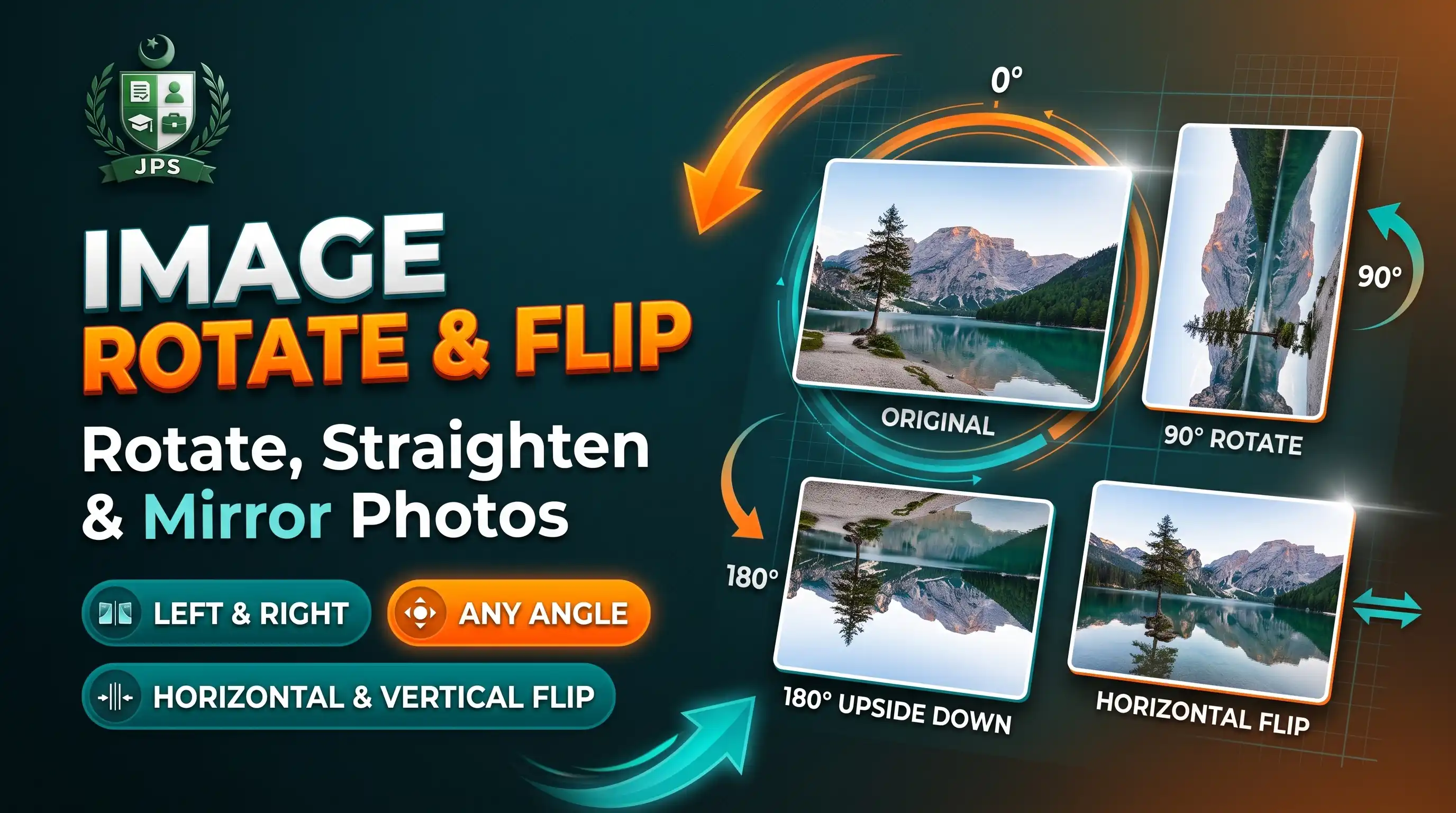
Image Rotate and Flip turns a picture left, right or upside down, mirrors it horizontally or vertically, and can straighten a slightly crooked scan with a small angle slider. It is the quickest way to fix photos that open sideways on a computer.
The preview updates at once and the file is saved at full size. Nothing is uploaded: the photo is processed inside your browser, which keeps personal documents private.
Key features
- Rotate 90 degrees left or right and turn 180 degrees
- Flip horizontally (mirror) or vertically
- Straighten crooked scans with an angle from minus 45 to plus 45 degrees
- Choose the colour that fills the corners after a small rotation
- Save as JPG, PNG (transparent corners) or WEBP
- HEIC photos supported
When do you need this?
- A phone photo or scanned CNIC opens sideways
- A document photo is slightly tilted
- You need a mirrored copy of a picture
- You want to prepare a photo before cropping or compressing it
Common mistakes to avoid
- Rotating the wrong way; check the preview before saving
- Choosing JPG when you want transparent corners; use PNG instead
- Over-straightening a scan: use small steps of half a degree
- Flipping a picture that contains text, which makes the text read backwards
How to use
- Select your photo.
- Use the buttons to rotate left, rotate right, turn 180° or flip it.
- For a slightly crooked scan, use the small angle slider to straighten it.
- Choose the format and press Save Image.
اردو میں طریقہ:
- اپنی تصویر منتخب کریں۔
- بٹنوں سے تصویر کو بائیں، دائیں یا 180 ڈگری گھمائیں یا فلپ کریں۔
- ٹیڑھے اسکین کو سیدھا کرنے کے لیے چھوٹے اینگل کی سلائیڈر استعمال کریں۔
- فارمیٹ چنیں اور "Save Image" دبائیں۔
Tips
Phone photos sometimes open sideways: rotate right or left once to fix them.
Use the angle slider in small steps (0.5° to 2°) to straighten scanned papers.
Pick a background colour for the corners that appear when you rotate by a small angle.
Choose PNG to keep the corners transparent.
Frequently Asked Questions
Rotating by 90° steps does not lose sharpness. JPG saving applies normal compression at 92% quality.
Horizontal flip mirrors left and right. Vertical flip turns the picture upside down like a mirror on the floor.
No. Everything happens in your browser.
Yes, between -45° and +45° with the slider, combined with 90° turns.
 EasyPaisa
 Jazz Cash
 Meezan Bank
 Faysal Bank