
PDF Compressor
Reduce your PDF to the size limit required by the form. Your files never leave your device.
If a lossless optimisation reaches your target, text stays selectable. Otherwise pages are converted to compressed images.
About PDF Compressor
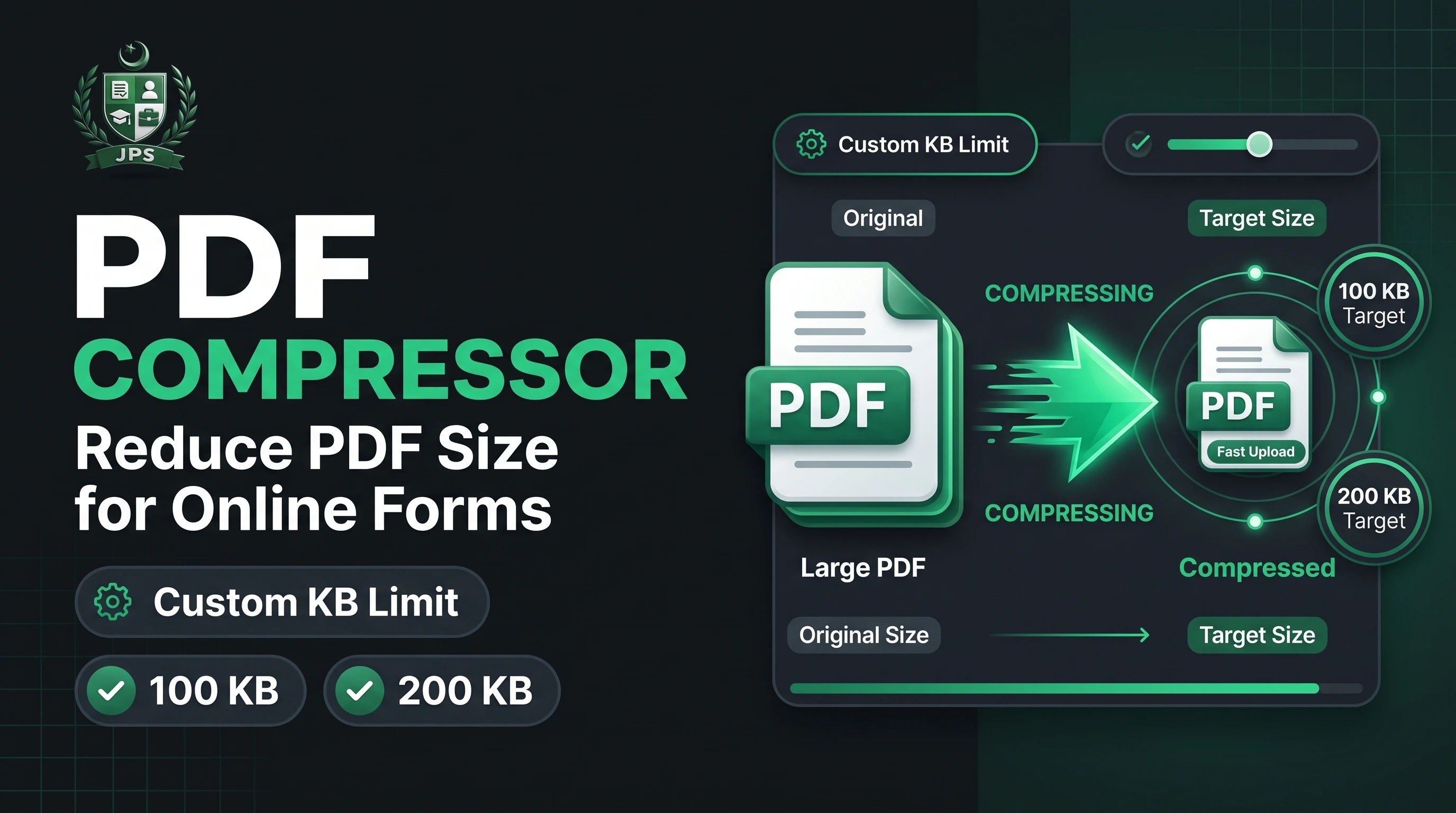
The PDF Compressor reduces the size of a PDF to the limit your form requires, such as 100 KB or 200 KB. You enter a target size, the tool tries a lossless optimisation first and, if that is not enough, compresses the pages step by step until the file fits.
When strong compression is needed, pages are converted into compressed images, so text can no longer be selected. For most scanned documents this makes no visible difference. The whole process happens in your browser and your file is never uploaded.
Key features
- Target size in KB with automatic step-by-step compression
- Low, medium and high compression levels
- Lossless optimisation attempted first to keep text selectable
- Works with scanned and photo-based PDFs
- Private: nothing leaves your device
When do you need this?
- A portal says the PDF must be under a given number of KB
- Your scanned documents are too large to email or upload
- You want to share a lighter PDF on WhatsApp
Common mistakes to avoid
- Choosing a very small target for a document with many pages
- Compressing a password-protected PDF without removing the password first
- Expecting the text to stay selectable after strong compression
How to use
- Select your PDF file.
- Enter the target size in KB if your form has a limit (leave empty to just compress).
- Choose the compression level: Low keeps the best quality, High gives the smallest file.
- Press Compress PDF and download the result.
اردو میں طریقہ:
- اپنی PDF فائل منتخب کریں۔
- اگر فارم میں سائز کی حد ہے تو Target size (KB) لکھیں، ورنہ خالی چھوڑ دیں۔
- کمپریشن لیول چنیں: Low میں کوالٹی بہترین رہتی ہے، High میں فائل سب سے چھوٹی بنتی ہے۔
- "Compress PDF" دبائیں اور نتیجہ ڈاؤن لوڈ کریں۔
Tips
Enter a target size to let the tool keep compressing until the file fits.
If a lossless optimisation is enough, your text stays selectable.
Compressing to a very small size turns pages into images, so text is no longer selectable.
Very large PDFs (over 150 pages) should be split first.
Frequently Asked Questions
Select the PDF, type the target in KB and press Compress PDF. The tool lowers image quality step by step until the file fits.
The tool first tries a lossless optimisation. If that is not enough for your target size, pages are converted to compressed images and text will not be selectable.
No. Please remove the password first, then compress it.
Yes. Files are processed locally in your browser and are never sent to our server.
 EasyPaisa
 Jazz Cash
 Meezan Bank
 Faysal Bank