
PDF Metadata Remover
Clean hidden details from a PDF before you share it. Your PDF never leaves your device.
About PDF Metadata Remover
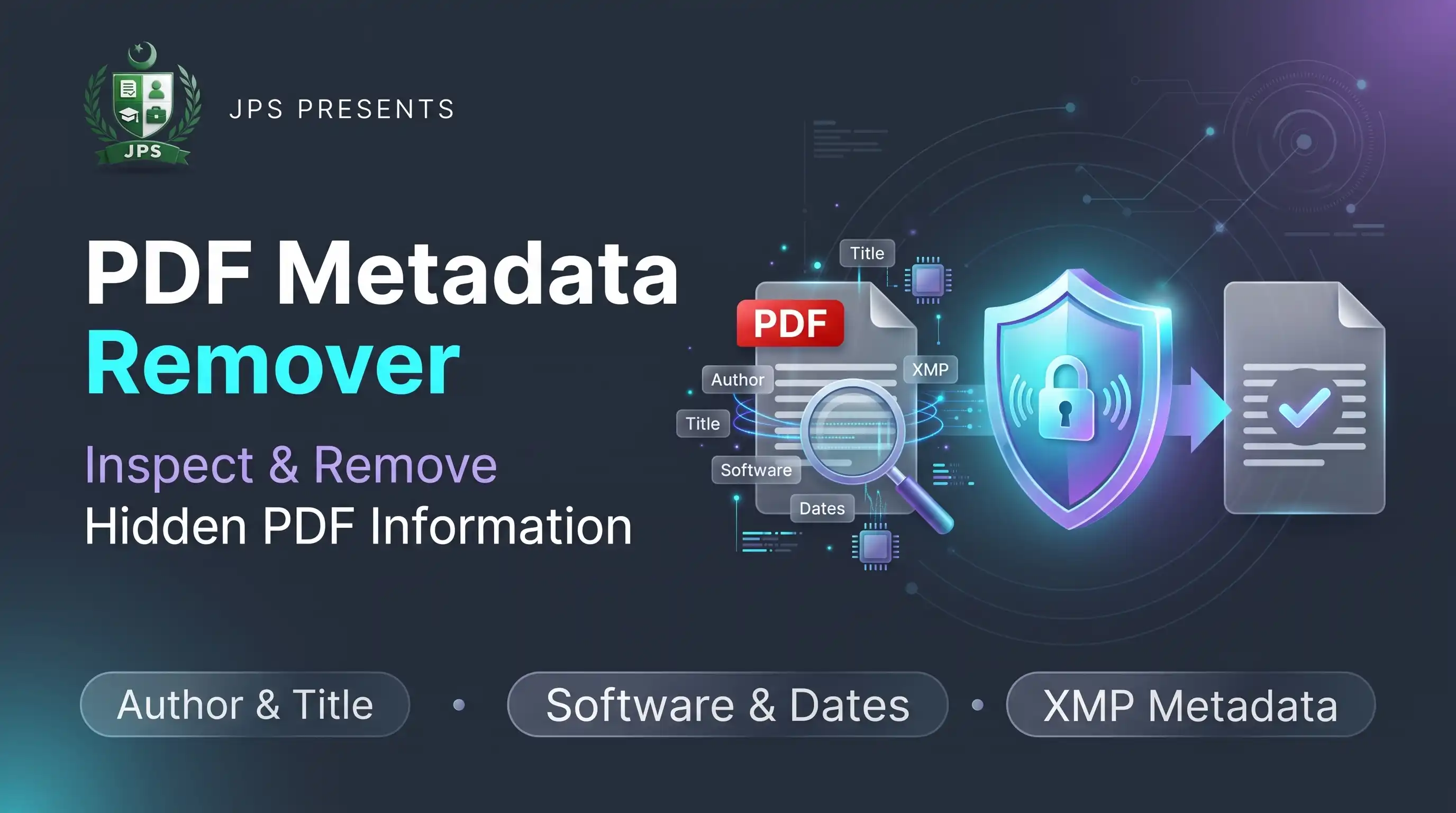
PDF Metadata Remover shows the hidden information stored inside a PDF, such as the title, author, subject, keywords, the software that made it and the creation and edit dates, and then removes it. It also removes the hidden XMP block that many programs add.
The pages look exactly the same after cleaning. The work is done in your browser, so the file is not uploaded.
Key features
- Lists all metadata found in the PDF before cleaning
- Removes the title, author, subject, keywords, creator and producer
- Removes dates and the hidden XMP metadata
- Leaves page content unchanged
- Free and private, no upload
- Works with PDFs from Word, phones and scanners
When do you need this?
- You send a CV or application and do not want your computer or author name inside the file
- You share a document made by a company and want to remove internal details
- You publish a PDF online and want it clean
- You want to check what hidden data a PDF contains
Common mistakes to avoid
- Thinking that text written in the pages is metadata; it stays
- Forgetting that comments and annotations are not metadata
- Not checking the file after cleaning
- Cleaning a password protected PDF without removing the password
How to use
- Select your PDF. The metadata found inside it is listed.
- Check the details (author, software, dates).
- Press Remove Metadata.
- Download the clean PDF.
اردو میں طریقہ:
- اپنی PDF منتخب کریں۔ اس میں موجود میٹا ڈیٹا کی فہرست نظر آئے گی۔
- تفصیلات (مصنف، سافٹ ویئر، تاریخیں) دیکھیں۔
- "Remove Metadata" دبائیں۔
- صاف شدہ PDF ڈاؤن لوڈ کریں۔
Tips
PDFs made in Word or phone apps often store your name and computer details.
Metadata is separate from the visible page; removing it does not change how pages look.
Text written inside the pages (like your name in a header) is not metadata and stays.
Run it before sending documents to a public portal.
Frequently Asked Questions
Hidden information stored in the file, such as title, author, subject, software used and creation or edit dates.
No. Only the hidden information is removed.
No. Only document information and XMP metadata are removed.
No. Everything happens in your browser.
 EasyPaisa
 Jazz Cash
 Meezan Bank
 Faysal Bank