
Free Tools for Job Applications
Government job forms are strict about photo size, signature size and file size in KB. JPS free tools help you fix all of that in seconds: make a passport size photo, resize a signature, convert images to PDF, compress a PDF to 200 KB, check your age limit and count the days left to the last date.
Everything runs in your browser, so your photos and documents are never uploaded. No sign-up, no watermark.
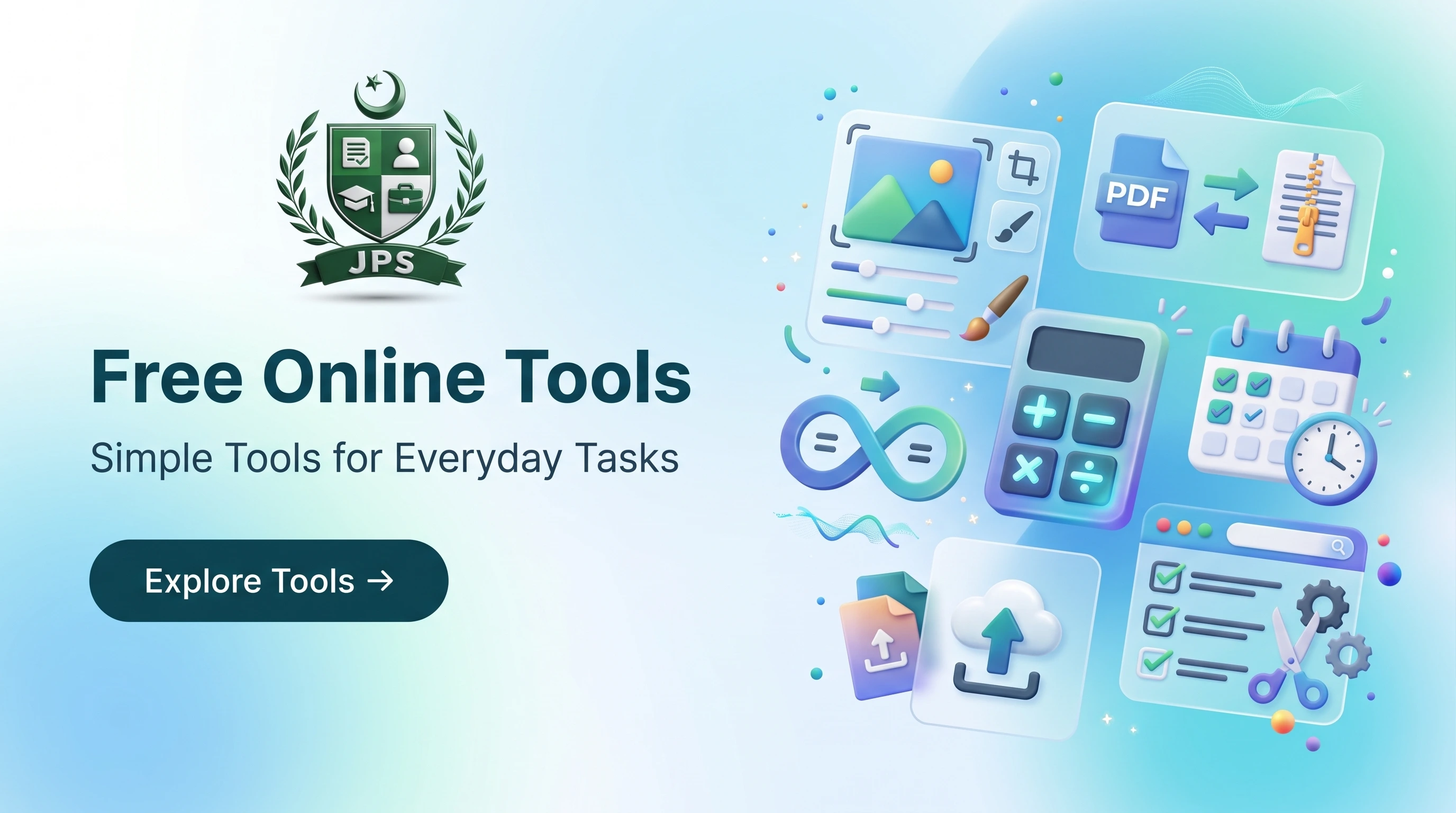
Find the right tool in seconds
Photo & Signature Tools
Resize, crop and compress photos and signatures to the exact size and KB limit of your form.
PDF Tools
Convert images to PDF, compress PDFs to a KB limit, merge and split PDF files.
Calculators
Check age limits, count days left to the last date and test BMI requirements.
Letters & Documents
Create a cover letter or an affidavit / undertaking draft that you can edit and download as Word.
Utilities
QR codes, barcodes, unit and Hijri date converters and a strong password generator.
Why use JPS tools?
Private
Files are processed inside your browser. Nothing is uploaded or stored.
Free
No sign-up, no watermark and no limits on how often you use them.
Mobile friendly
Built for phones: use your camera or gallery, drag and pinch to adjust.
Made for job forms
Ready sizes and KB limits that Pakistani job and admission forms commonly ask for.
How the tools work
- Open the tool that matches your form requirement and select your photo, signature or PDF.
- Enter the size, pixels or maximum KB written in the advertisement or online form.
- Check the preview, then download the ready file and upload it to the application form.
Tip: always read the advertisement first. If a requirement (size, format or KB limit) is written there, that is the one to follow. If you want us to prepare and submit the full application for you, see our job processing service.
 EasyPaisa
 Jazz Cash
 Meezan Bank
 Faysal Bank