
Image Cropper
Crop a photo to the exact area and shape you need. Your photo never leaves your device.
Drag the box to move it, drag a corner to resize it, or draw a new box.
About Image Cropper
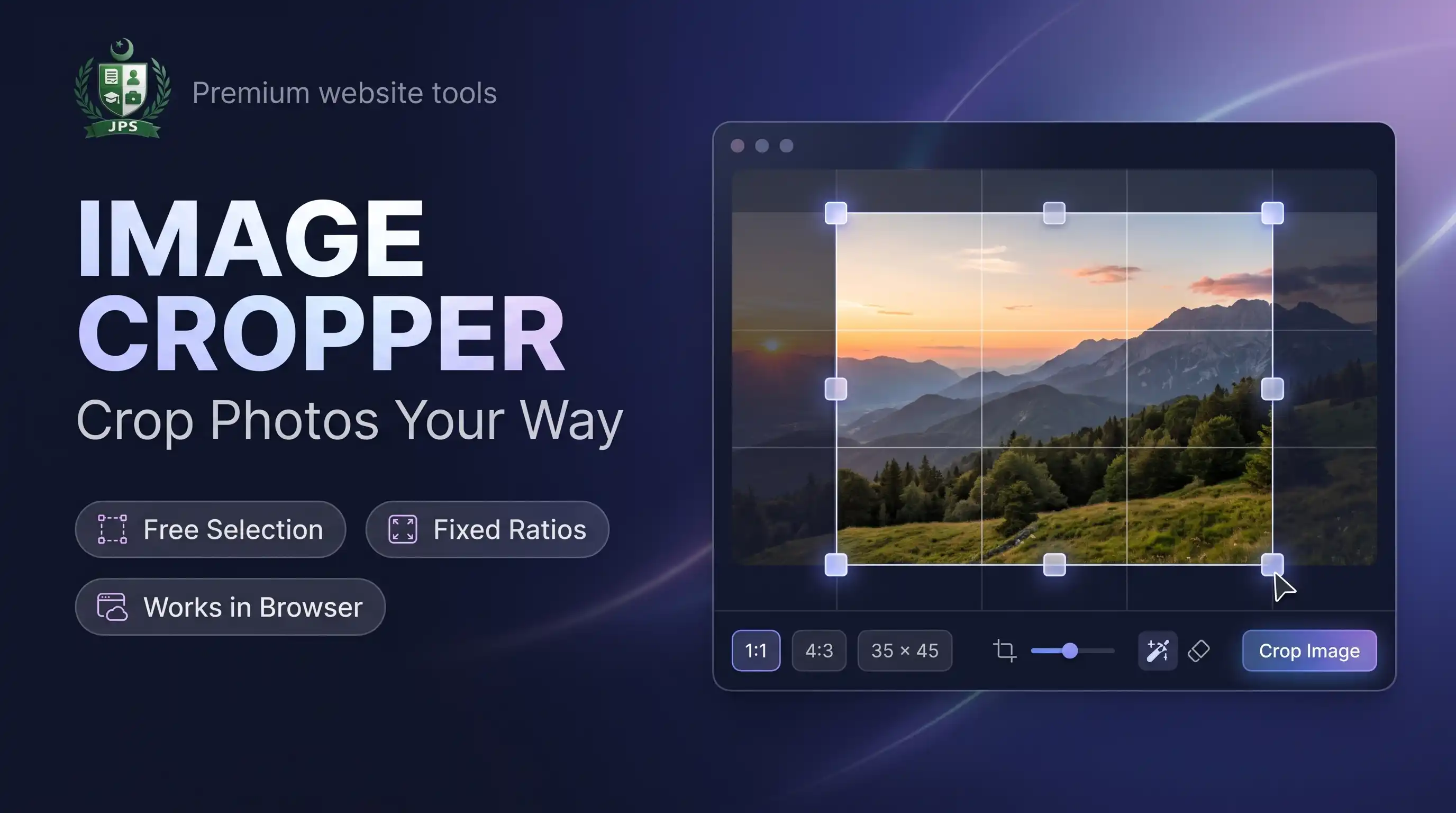
The Image Cropper lets you cut out exactly the part of a photo that you need. Drag the crop box, pull a corner to resize it, or draw a new box. You can keep the shape free or lock it to a ratio such as 1:1, 4:3, 16:9 or 35:45, which is the usual passport and CNIC photo shape.
Everything happens inside your browser. Your photo is not uploaded to JPS or to any other server, so it is safe to crop personal pictures. The tool also reads iPhone HEIC photos and can save the result as JPG, PNG or WEBP at the pixel size you choose.
Key features
- Free selection or fixed ratios: 1:1, 4:3, 3:4, 16:9, 9:16, 3:2, 2:3, 35:45 and a custom ratio
- Move and resize the box with mouse or finger, with a grid to help you line up the face or text
- Optional output size in pixels; give one side and the other follows the ratio
- JPG, PNG or WEBP output with a quality slider
- HEIC (iPhone) photos supported
- No upload, no watermark and no sign-up
When do you need this?
- A form asks for a square or passport shaped photo
- You want to remove the extra background around a document or CNIC picture
- You need a profile picture in the right shape for a website or social account
- You want to cut a part of a screenshot before sending it
Common mistakes to avoid
- Cropping too tight so that the head or chin is cut off
- Using free shape when the form needs a fixed ratio
- Enlarging a small crop to a big pixel size, which makes it blurry
- Forgetting to resize or compress the cropped photo to the KB limit of the form
How to use
- Select your photo (JPG, PNG, WEBP or iPhone HEIC).
- Choose a ratio (Free, 1:1, 4:3, 35:45 and more) or enter a custom ratio.
- Drag the box to move it and drag a corner to resize it.
- Optionally set the output size in pixels, then press Crop Image and download.
اردو میں طریقہ:
- اپنی تصویر منتخب کریں (JPG, PNG, WEBP یا آئی فون کی HEIC)۔
- تناسب (Ratio) چنیں، مثلاً 1:1 یا 35:45، یا Free رکھیں۔
- باکس کو کھینچ کر حرکت دیں اور کونے سے سائز بدلیں۔
- ضرورت ہو تو آؤٹ پٹ سائز لکھیں، پھر "Crop Image" دبائیں اور ڈاؤن لوڈ کریں۔
Tips
Use 35:45 for passport / CNIC style photos, then fine-tune size in Passport Photo Maker.
Use 1:1 for profile pictures and 16:9 for banners.
Leave output size empty to keep the original pixels of the cropped area.
Choose PNG if the picture has transparent areas.
Frequently Asked Questions
No. Cropping happens inside your browser and nothing is sent to our server.
Pick the ratio from the list. The box keeps that shape while you move or resize it.
Yes. HEIC photos are converted in your browser first, then cropped.
Crop first, then use Image Compressor or Image Resizer to reach a KB limit.
 EasyPaisa
 Jazz Cash
 Meezan Bank
 Faysal Bank