
Random Password Generator
Create strong passwords that cannot be guessed. Passwords are generated on your device and never sent anywhere.
About Random Password Generator
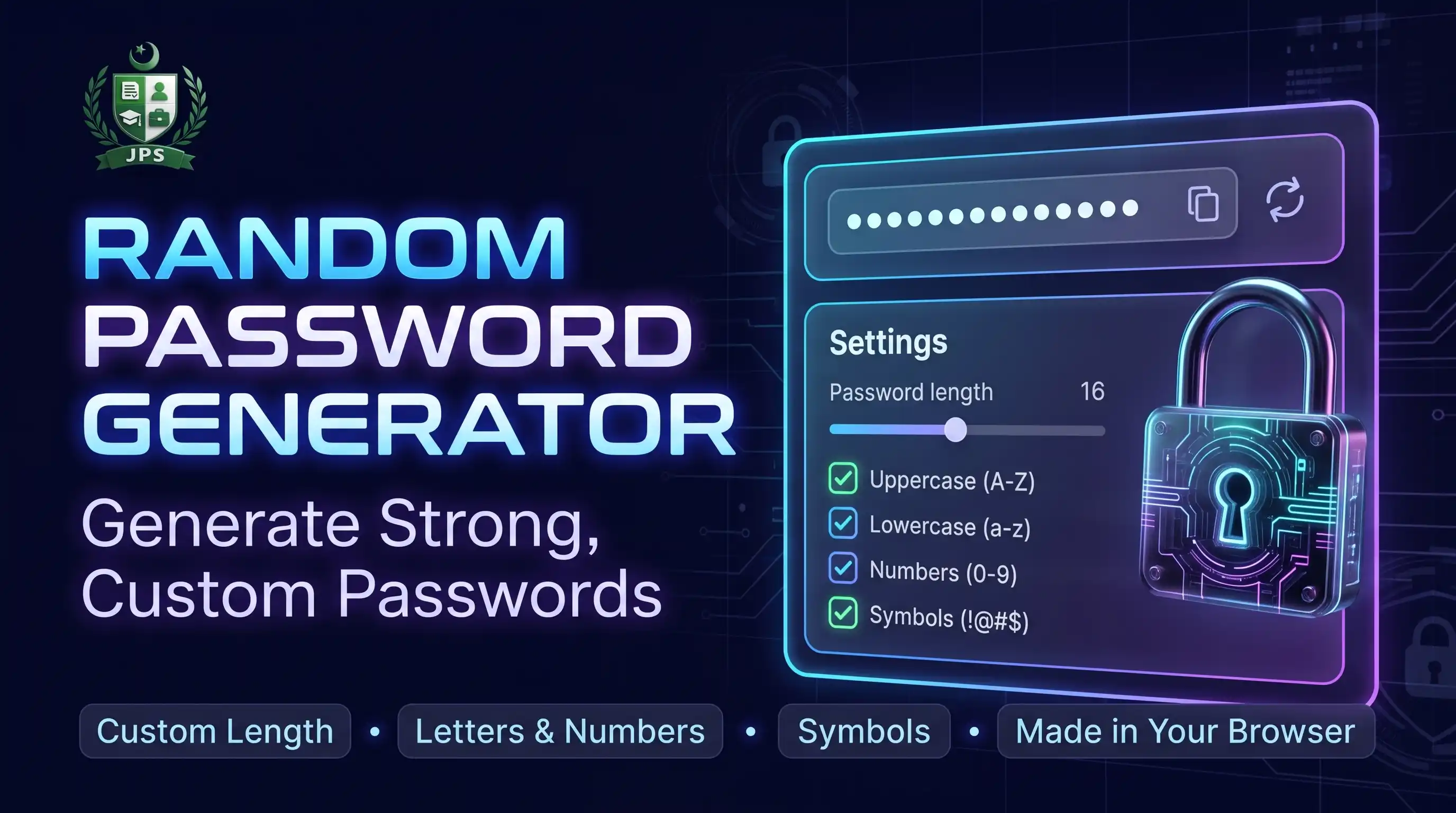
The Random Password Generator creates strong passwords from your choice of length and characters: capital letters, small letters, digits and symbols. It can leave out look-alike characters such as 0, O, 1, l and I, and it makes up to ten passwords at once with a strength meter.
Passwords are made on your device with the browser secure random generator. They are never sent to JPS or saved. Copy a password with one click and keep it in a password manager.
Key features
- Length from 8 to 64 characters
- Capital letters, small letters, digits and symbols
- Option to avoid look-alike characters
- 1, 3, 5 or 10 passwords at a time
- Strength label with bits of randomness
- One-click copy; nothing stored or sent
When do you need this?
- You create a new email, banking or social media account
- You want to change an old or reused password
- You need a password for a PDF or a Wi-Fi router
- You want several strong passwords for different services
Common mistakes to avoid
- Reusing the same password on many accounts
- Saving passwords in chat messages or plain notes
- Choosing a short length because it is easier to type
- Not turning on two-step verification for important accounts
How to use
- Set the length with the slider (16 or more is recommended).
- Choose which character types to include.
- Press Generate to get new passwords.
- Press Copy and save the password in a password manager.
اردو میں طریقہ:
- سلائیڈر سے لمبائی سیٹ کریں (16 یا زیادہ بہتر ہے)۔
- وہ حروف کی اقسام چنیں جو شامل کرنی ہیں۔
- نیا پاس ورڈ بنانے کے لیے "Generate" دبائیں۔
- "Copy" دبائیں اور پاس ورڈ مینیجر میں محفوظ کریں۔
Tips
Use a different password for every account.
Longer is stronger: length matters more than symbols.
Do not save passwords in plain notes or chat messages.
Turn on two-step verification for email and banking accounts.
Frequently Asked Questions
Yes. It uses your browser secure random number generator and nothing is sent or stored.
At least 12 characters; 16 or more for important accounts.
It removes characters like 0, O, 1, l and I that are easy to confuse when typing.
Yes. Copy one and use it in Add Password to PDF.
 EasyPaisa
 Jazz Cash
 Meezan Bank
 Faysal Bank