
Image Resizer & Converter
Resize images by pixels, percentage or file size (KB) and convert HEIC / PNG / WEBP to JPG. Files never leave your device.
1
Select Images
2
Settings
3
Convert & Download
About Image Resizer & Converter
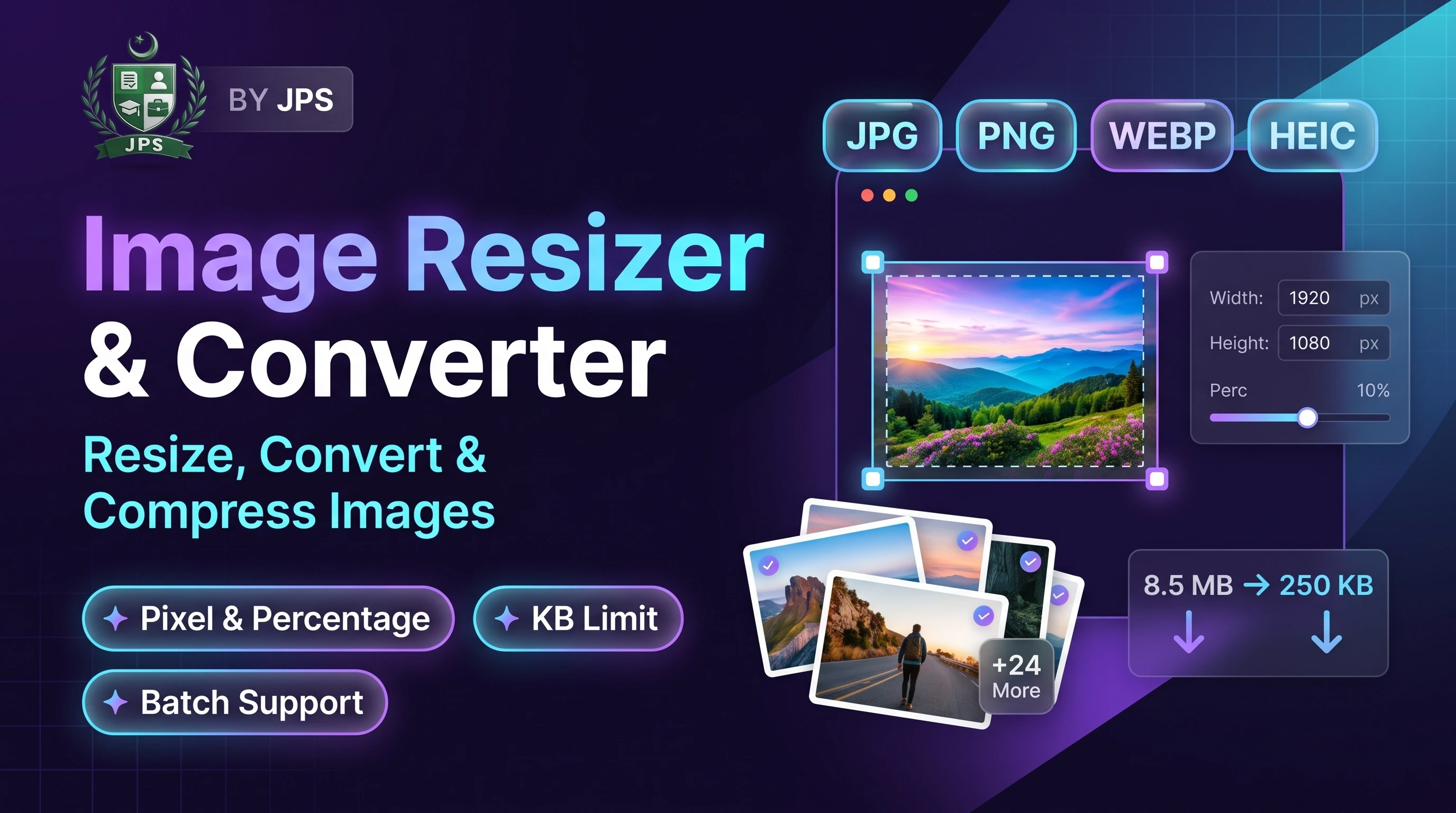
The Image Resizer and Converter changes the size of your pictures in pixels, by percentage or down to a target file size in KB. It also converts HEIC photos from iPhone, PNG and WEBP images into the widely accepted JPG format. You can process up to 20 images at once and download them one by one or as a single ZIP.
Job forms often reject files that are too big, too small or in the wrong format. This tool fixes all three problems in one step, and because it runs inside your browser, your documents are never uploaded anywhere.
Key features
- Resize by exact pixels, fit inside a box, crop to fill, or scale by percentage
- Set a maximum and minimum file size in KB; dimensions can reduce automatically if needed
- Convert HEIC, PNG and WEBP to JPG (or JPG to PNG / WEBP)
- Batch processing of up to 20 images with ZIP download
- Quick presets for passport, CNIC and signature sizes
- Works offline after the page has loaded; nothing is uploaded
When do you need this?
- A form says the photo or document scan must be under 50 KB, 100 KB or 200 KB
- Your iPhone saves pictures as HEIC and the portal does not accept them
- You need CNIC, degree or certificate images in a fixed pixel size
- You want to make large camera photos smaller before sending them on WhatsApp or email
Common mistakes to avoid
- Enlarging a small image to a big size, which only makes it blurry
- Choosing PNG for a KB limit; JPG is much smaller for photos
- Using "stretch" when you should use "crop" or "fit", which distorts faces and text
- Compressing too much so that text on documents becomes unreadable
How to use
- Select one or more images (JPG, PNG, WEBP or iPhone HEIC).
- Choose how to resize: keep original size, set width/height in pixels, or reduce by percentage.
- Pick the output format (JPG is best for KB limits) and enter the Max KB if your form has a size limit.
- Press Convert, then download each file or all files as a ZIP.
اردو میں طریقہ:
- ایک یا زیادہ تصاویر منتخب کریں (JPG, PNG, WEBP یا آئی فون کی HEIC)۔
- سائز کا طریقہ چنیں: اصل سائز، پکسل میں چوڑائی/اونچائی، یا فیصد کے حساب سے کمی۔
- آؤٹ پٹ فارمیٹ چنیں (KB کی حد کے لیے JPG بہترین ہے) اور اگر فارم میں سائز کی حد ہے تو Max KB لکھیں۔
- "Convert" دبائیں اور فائلیں الگ الگ یا ZIP کی صورت میں ڈاؤن لوڈ کریں۔
Tips
For CNIC / document photos, JPG with a 100–200 KB limit is usually accepted.
Exact size (crop) fills the whole frame; Fit keeps the full picture without cutting.
Keep "Reduce dimensions automatically" on so the KB limit is always reached.
Your files never leave your device — everything is processed in your browser.
Frequently Asked Questions
Choose JPG, type the number in "Max file size (KB)" and press Convert. The tool lowers quality, and if needed the dimensions, until the file fits.
Yes. Select the HEIC file and choose JPG as the output format. The conversion happens in your browser.
Fit keeps the whole picture inside the given size without distortion. Exact stretches the picture to the exact size. Crop fills the exact size and cuts the extra edges from the centre.
No. All processing is done locally in your browser. Nothing is sent to our server.
PNG is lossless, so quality cannot be reduced. The tool can still shrink the dimensions, but JPG is the better choice for KB limits.
 EasyPaisa
 Jazz Cash
 Meezan Bank
 Faysal Bank