
Salary Slip Generator
Create a monthly salary slip with earnings, deductions, net salary and amount in words.
Earnings (Rs.)
Deductions (Rs.)
About Salary Slip Generator
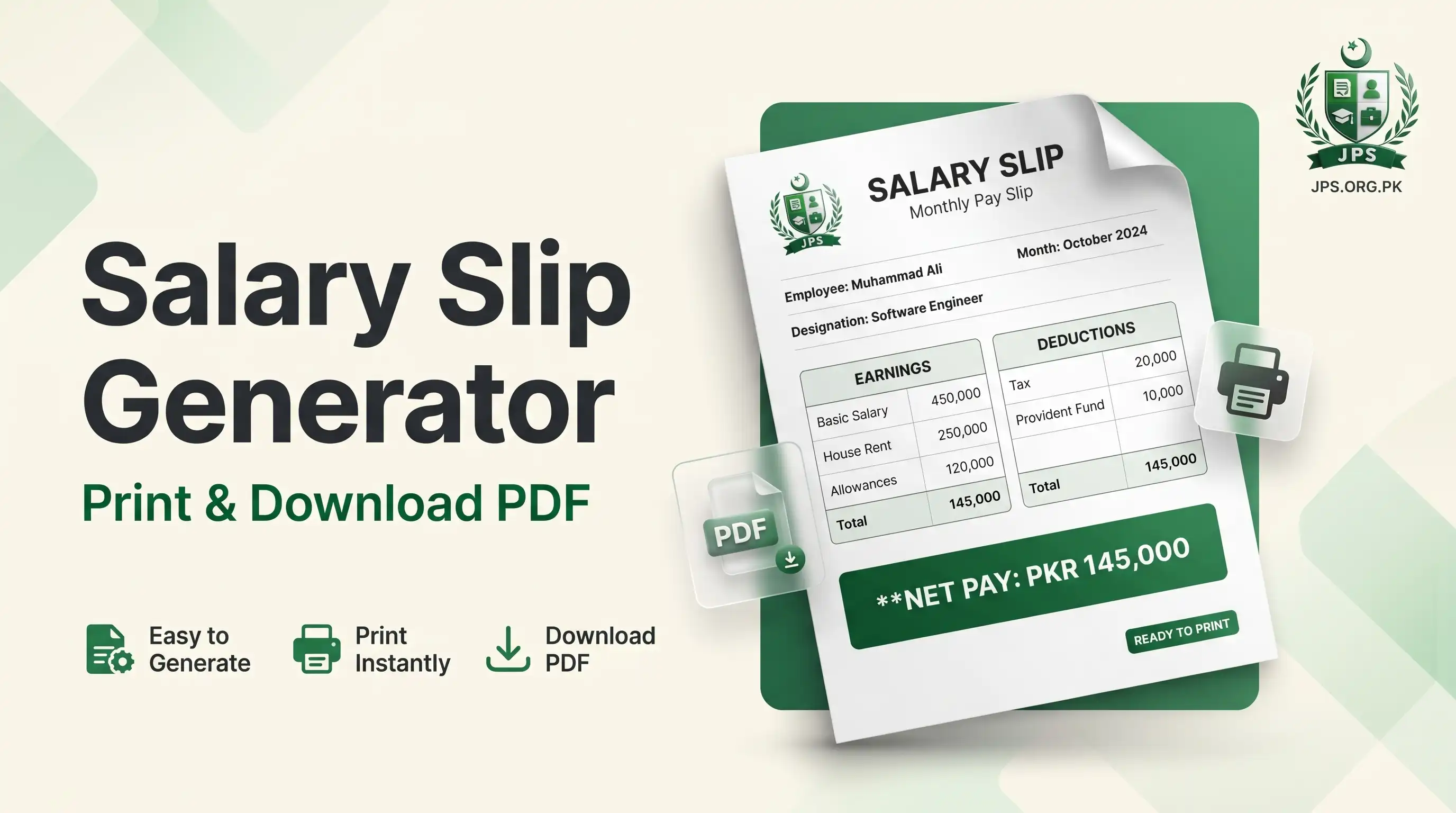
The Salary Slip Generator creates a clean monthly salary slip (pay slip) in a few minutes. Enter the company and employee details, add the earnings such as basic salary, house rent, medical and conveyance, add the deductions such as income tax, EOBI or provident fund, and the slip is ready with gross salary, total deductions, net salary and the net salary in words.
You can add or remove as many earning and deduction lines as you need. When the preview looks right, press Print / Save as PDF. Everything is created in your browser and nothing is uploaded or saved on any server.
Key features
- Company name, address, employee name, ID, designation, department and payment mode
- Unlimited earning and deduction lines with your own titles
- Gross salary, total deductions and net salary calculated automatically
- Net salary in words (lakh and crore style)
- Live preview and Print / Save as PDF
- No sign-up, no watermark and nothing stored
When do you need this?
- You need a salary slip for a bank loan, visa, lease or credit card application
- You are an employer or small business owner and want to give a monthly pay slip to staff
- A job or admission form asks for a salary slip as proof of income
- You want a simple pay slip format without buying software
Common mistakes to avoid
- Entering the net salary in the basic salary field instead of the gross figures
- Forgetting to add tax or provident fund deductions that are actually applied
- Choosing the wrong month before printing
- Creating a slip with wrong figures; a false salary slip can lead to legal action
How to use
- Enter the company name, address and the employee details.
- Select the salary month and the payment mode.
- Add the earnings (basic salary, allowances) and the deductions (tax, provident fund, loan) with their amounts.
- Check the preview, then press Print / Save as PDF.
اردو میں طریقہ:
- کمپنی کا نام، پتہ اور ملازم کی تفصیل درج کریں۔
- تنخواہ کا مہینہ اور ادائیگی کا طریقہ منتخب کریں۔
- آمدن (بنیادی تنخواہ، الاؤنس) اور کٹوتیاں (ٹیکس، پراویڈنٹ فنڈ، قرض) رقم کے ساتھ لکھیں۔
- پری ویو دیکھیں اور Print / Save as PDF کا بٹن دبائیں۔
Tips
Add only the lines that really apply; lines with an empty title or zero amount are not shown on the slip.
On a phone, choose "Save as PDF" in the print window to get a PDF file.
Keep the figures the same as your bank statement and employment letter.
Use A4 paper and "Actual size" when you print.
Frequently Asked Questions
A salary slip (pay slip) is a monthly statement from the employer that shows the gross salary, allowances, deductions and the net salary paid to the employee.
Yes. Press Print / Save as PDF and choose "Save as PDF" as the printer in the print window.
No. Everything is created in your browser and nothing is saved or sent.
Banks and embassies usually need a slip on company letterhead with a stamp and signature. Print it and get it signed and stamped by the employer.
 EasyPaisa
 Jazz Cash
 Meezan Bank
 Faysal Bank